Bring AI out of the chat and into the places you actually work
Pro
$12
- Customize inline suggestions from Grammarly and other agents
- Chat and prompt from your cursor
- Let Email Assistant draft replies, clear inbox clutter, and follow up for you
- Connect apps like Superhuman Mail, Gmail, Calendar, Outlook, Slack, and more
- Start building your own custom agents
Get the most out of Go with Superhuman Business
See how Go can take real work off your plate with full access to connectors and agents.
- Just the edits you wantTell Go what kind of feedback you find useful and when
- Organizes your emailGo sorts your inbox and auto-drafts responses in your voice, and with your context
- Walk into every meeting fully briefedAsk Go to handle the prep and follow through, so you can focus on staying present
Trusted by over 40 million people and 50,000 teams

Go’s value isn’t novelty—it’s compression. It reduces context switching across documentation, email, and tasks, so I move from intake to execution faster. I use its Outlook connector to summarize my morning email and draft replies, extracting what matters without reading every message.”

Instead of panicking during a live partner call when unexpected questions came up, I opened the report in my Superhuman sidebar and typed the questions in as they were asked. Go immediately pulled the key insights, and I was able to appear prepared and knowledgeable—and secure a great partnership for our business.”

What usually took me over an hour of combing through emails took me less than five minutes. The impact wasn’t just speed—it was cognitive relief. Go reduces friction so I can lead, not just manage inboxes.”
Plans and features
| Features | ||||
|---|---|---|---|---|
Web, extension, desktop, and mobile apps | ||||
Full-screen, side panel, and inline Go experience | ||||
AI chat on web, extension, desktop, and mobile | Limited chat access | Limited free trial of full chat | Limited free trial of full chat | Limited free trial of full chat |
Inline agent suggestionsBeta | Limited access | Limited free trial of full access | Limited free trial of full access | Limited free trial of full access |
AI prompts and chat at your cursorBeta | Limited access | Limited free trial of full access | Limited free trial of full access | Limited free trial of full access |
Chat capabilities | ||||
Extended thinking for more complex work | Limited | |||
Grammarly | Limited writing assistance and suggestions | Full access with a limited trial of customization | Full access with a limited trial of customization | Full access with a limited trial of customization |
Writing agents, built by Superhuman | Limited | |||
Proactive writing agents, built by Superhuman | Limited trial | Limited trial | Limited trial | |
Custom agentsBeta | Limited | Expanded | Full | |
Custom agent sharing and publishing | ||||
Customize published agents | ||||
Email Assistant | ||||
Connectors | Personal | Team | Enterprise | |
MCP | ||||
Partner agents | ||||
Data sync frequency | Coming soon | Coming soon | Coming soon | |
Data ingestion limits | Coming soon | Coming soon | Coming soon |
| Privacy | ||||
|---|---|---|---|---|
Model training | Opt out | Opt out | Opt out | Off by default |
| Usage | ||||
|---|---|---|---|---|
Usage tracking | Coming soon | Coming soon | Coming soon | Coming soon |
Usage credits | Limited trial | Limited trial | Limited trial |
| Included products | ||||
|---|---|---|---|---|
Docs | Limited trial | Suite add-on | ||
Grammarly | Limited trial | Included with annual plan or add for $15/member when billed monthly | ||
Mail | Suite add-on |
| Support and success | ||||
|---|---|---|---|---|
Help Center | ||||
Webinar and trainings | Private | |||
Customer success | Assigned | |||
Priority support | ||||
Live chat | ||||
Guided onboarding |
| Security, compliance, and administration | ||||
|---|---|---|---|---|
SAML SSO | ||||
SCIM | ||||
SOC 2 (Type 2) | ||||
Audit logs | ||||
Organization-level controls | ||||
HIPAA | Grammarly, Docs, and Go only | |||
Legal hold and e-discovery | Docs only | |||
BYOK | Grammarly and Mail only |
FAQs
Go is the AI assistant that works everywhere you work and can offer help before you even ask. For example, Go can:
- Turn rough notes into a polished, send-ready draft directly in Gmail or your docs
- Draft follow-up emails and recaps straight from your meeting notes
- Find times and write a meeting invite across time zones, without leaving your current screen
- Pull a project or account status together across Gmail, Slack, Jira, and Asana on demand
- Turn decisions into Jira, Asana, or CRM tickets without opening those tools
Superhuman Go can:
- Help you sound clear and confident, everywhere you write
- Schedule meetings from any app
- Helps you stay on top of scattered information
- Handle admin work so you can work on what only you can do
Superhuman Go is the assistant that figures out what you need, when and where you need it—right where you’re working, not in a separate window.
Go:
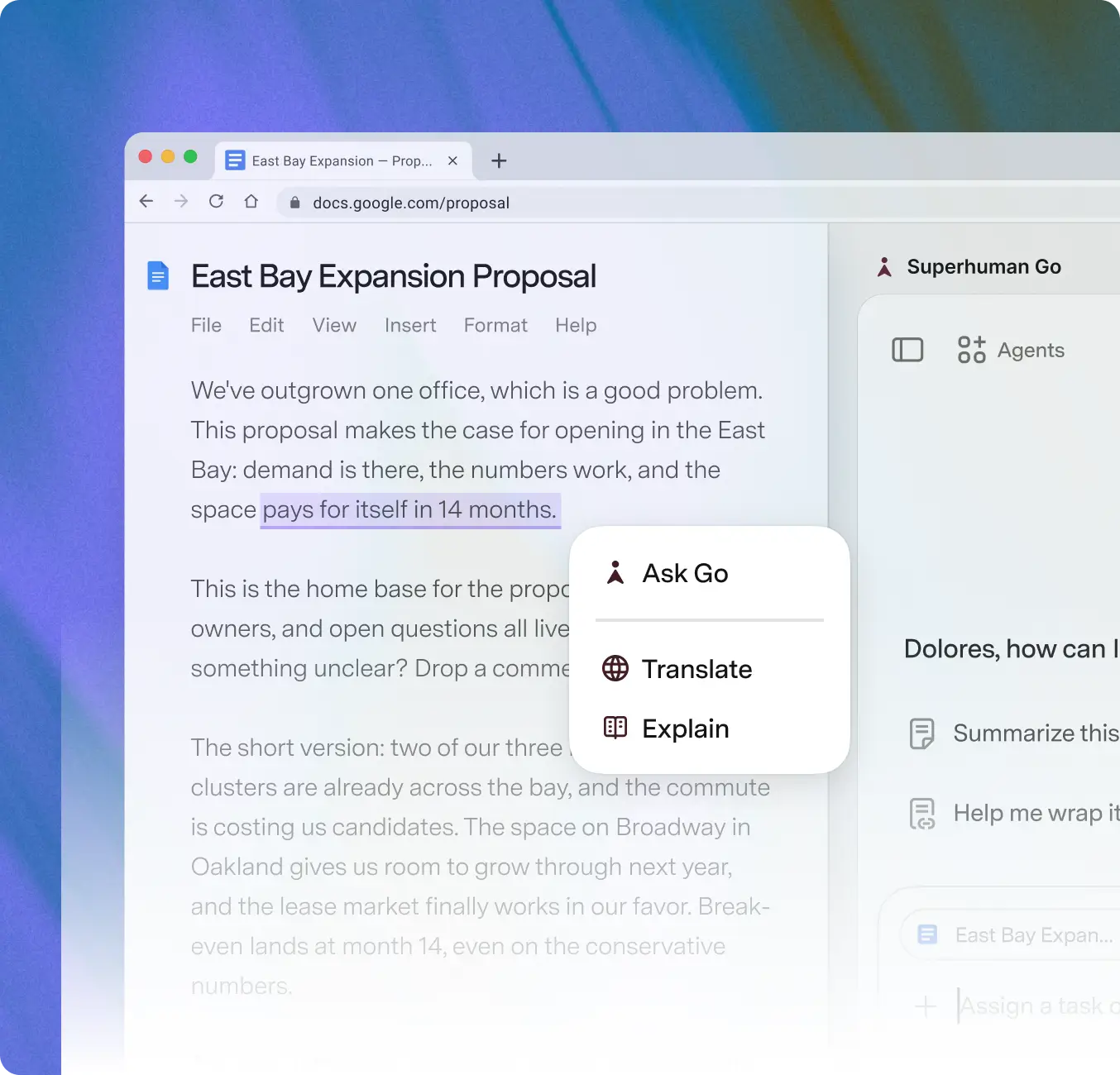
- Surfaces suggestions inline as you write—edits, context, and next steps appear automatically, no prompting required
- Understands what's on your screen, so you never have to copy-paste or describe what you're working on
- Connects to your most important apps to give helpful suggestions grounded in your real work context
- Manages a team of AI agents—including Grammarly's embedded writing intelligence—to help when and where it's useful. Unlike AI assistants that wait for you in a separate window or stay locked to one vendor's ecosystem, Go comes to you
- Grows with you over time. Add new agents as they're released, or create your own, so Go keeps getting more useful without you switching tools
Superhuman Go is available via the Superhuman Go for Chrome and Superhuman Go for Edge extensions, as well as the Superhuman Go desktop app for Mac and Windows. With Go, you can work across the web-based tools you already rely on, including email, documents, customer systems, project tools, and internal apps. The Superhuman Go desktop app for Windows is coming soon.
Not at all. Superhuman Go is designed to fit your flow, not disrupt it. Go works within the tools and platforms you already use, increasing the ROI of the tools you've already invested in rather than replacing them. And if you do want to migrate from another AI assistant, it's simple: ask your existing tool to summarize what it knows about you, paste that into Go, and pick up right where you left off.
Agents are your team of AI collaborators, built for common tasks that fill up your workday, like summarizing long threads, drafting reports, or finding information across tools. Superhuman Go comes with a powerful set of default agents and lets anyone build custom ones tailored to your team's needs—no code required.
Yes! Anyone on our Business plan can build custom agents—no code required. Create an agent through a simple chat conversation or the visual Agent Builder, and set it to act while you're writing, on a schedule, or when an email or Slack message comes in. You can share agents directly with teammates or publish them to your company's agent directory. For deeper integrations, the Superhuman Agents SDK lets developers build agents that plug into your organization's unique tools, systems, and workflows.
Superhuman Go is built with privacy at its core. For Business and Education users, AI training is off by default, and you're always in control of your data. Go is designed to keep your information private, secure, and yours.
Getting started is easy: install the Superhuman Go extension for Chrome or Edge and sign in. Once it's installed, Go is available wherever you work on the web—just highlight a passage, start an essay, or ask for help, and Go is right there. You can optionally connect your school tools, like Gmail or Google Drive, for more contextual help.
Visit the agent store to explore all of Superhuman’s available agents.